Keep track of every episode.
Keep next episodes and released films in view. Mark what you have watched and see what is still waiting in your watchlist.
Your next episode. The films you have been meaning to see. Keep your watchlist, viewing history and upcoming releases together in one personal library.
iOS & iPadOS 17+
Track your watchlist, next episodes and upcoming dates. Premiera does not stream video.
Optional private iCloud library sync between Apple devices. No automatic Apple-to-Android sync.
macOS 14+
Manage your movie and TV library on a larger screen. Premiera does not stream video.
Optional private iCloud library sync between Apple devices.
visionOS 2+
Track movies and shows in the native spatial edition. Premiera does not stream video.
Optional private iCloud library sync between Apple devices.
Android 8.0+
Track your local movie and TV library and exchange updates with a paired Wear OS watch.
JSON backups transfer libraries across platforms; automatic Apple-to-Android sync is unavailable.
watchOS 10+
See next episodes, released movies and upcoming dates; mark items watched. Search and add titles directly.
Install from the watch App Store or the iPhone Watch app. Search requires internet; library sync uses iCloud.
API 30+
See next episodes, released movies and upcoming dates; mark items watched.
Requires the paired Android phone app to create and update the library. Install from Google Play on your watch.
tvOS 17+
Track your movie and TV library on the big screen. Premiera does not stream video.
Install from the App Store on Apple TV. Library sync uses the same iCloud account as your other Apple devices.
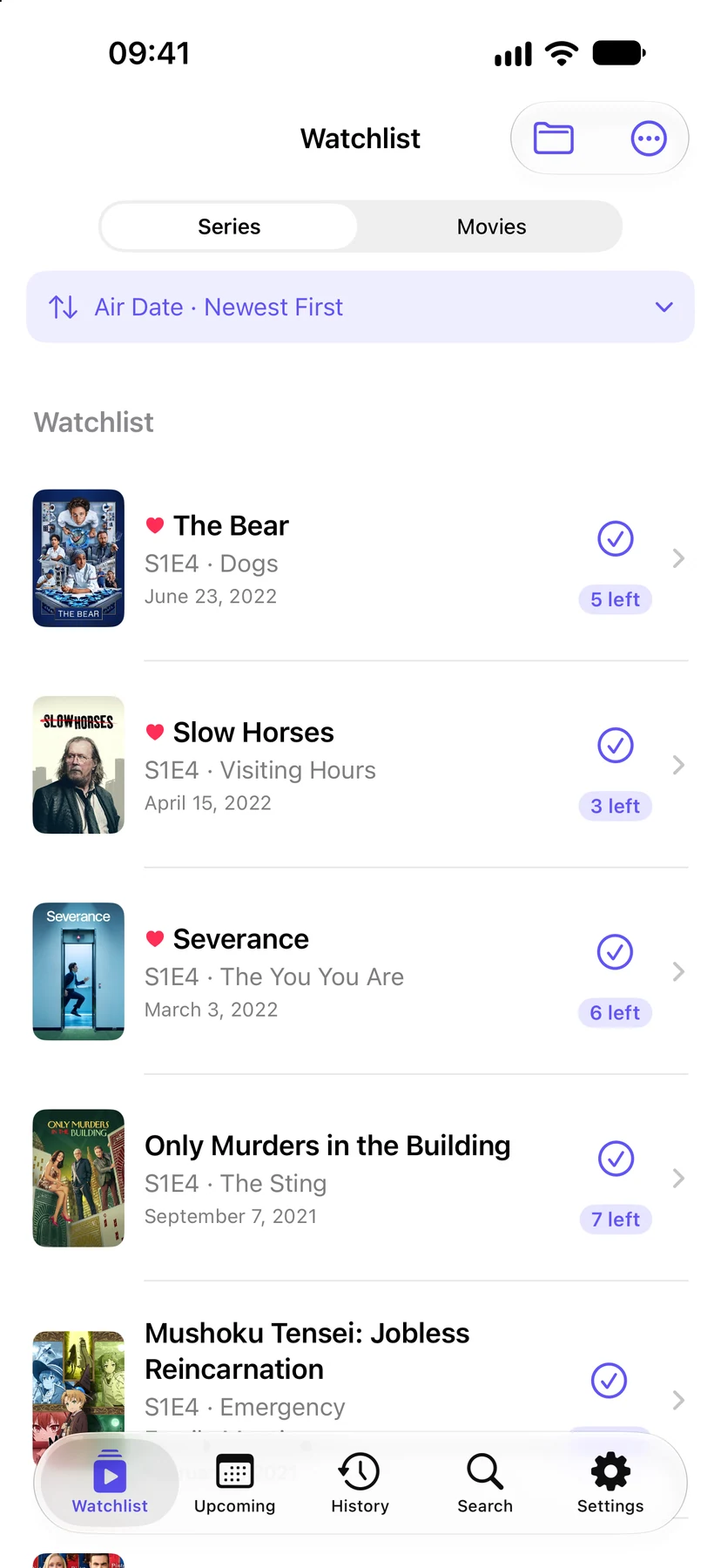
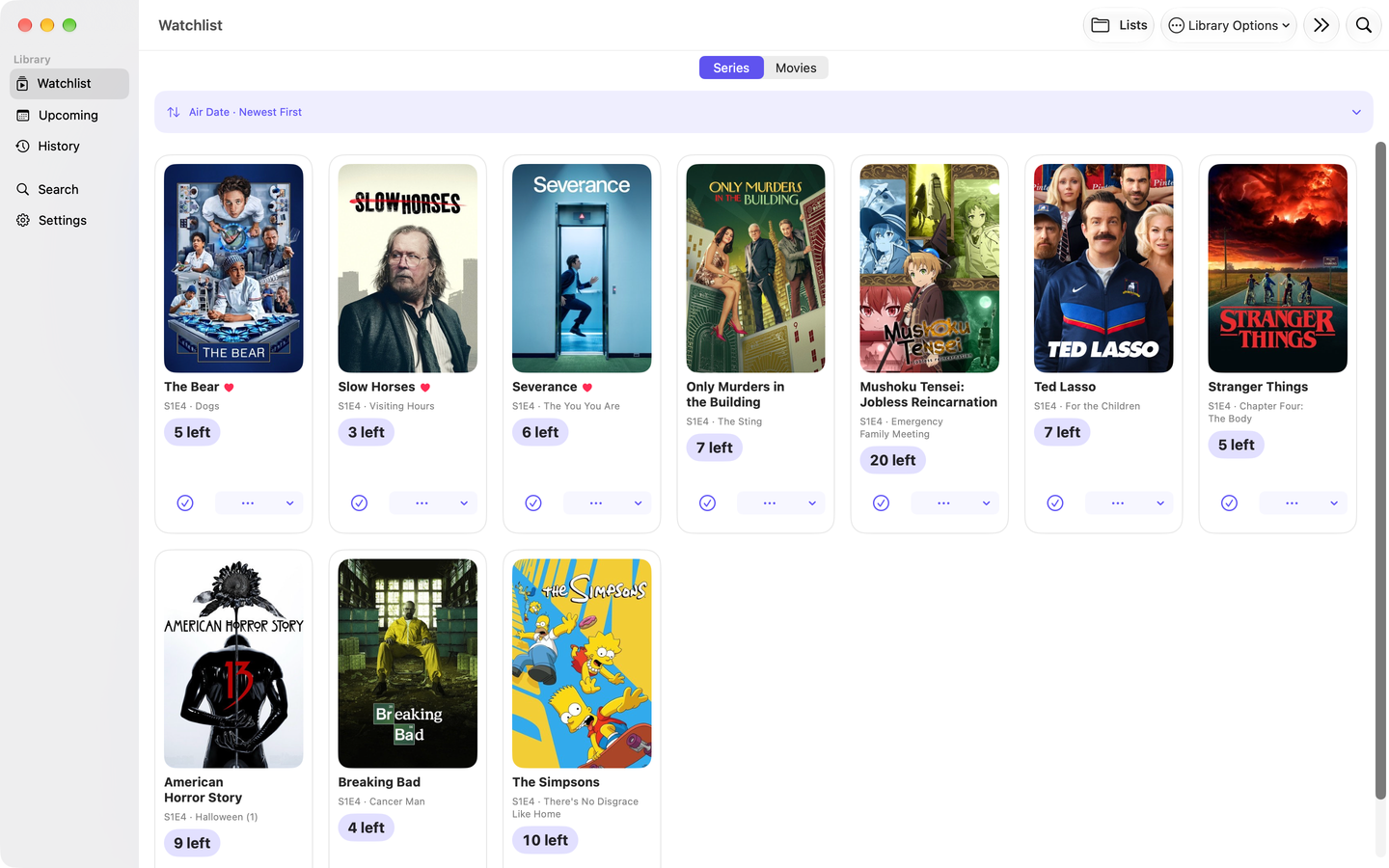
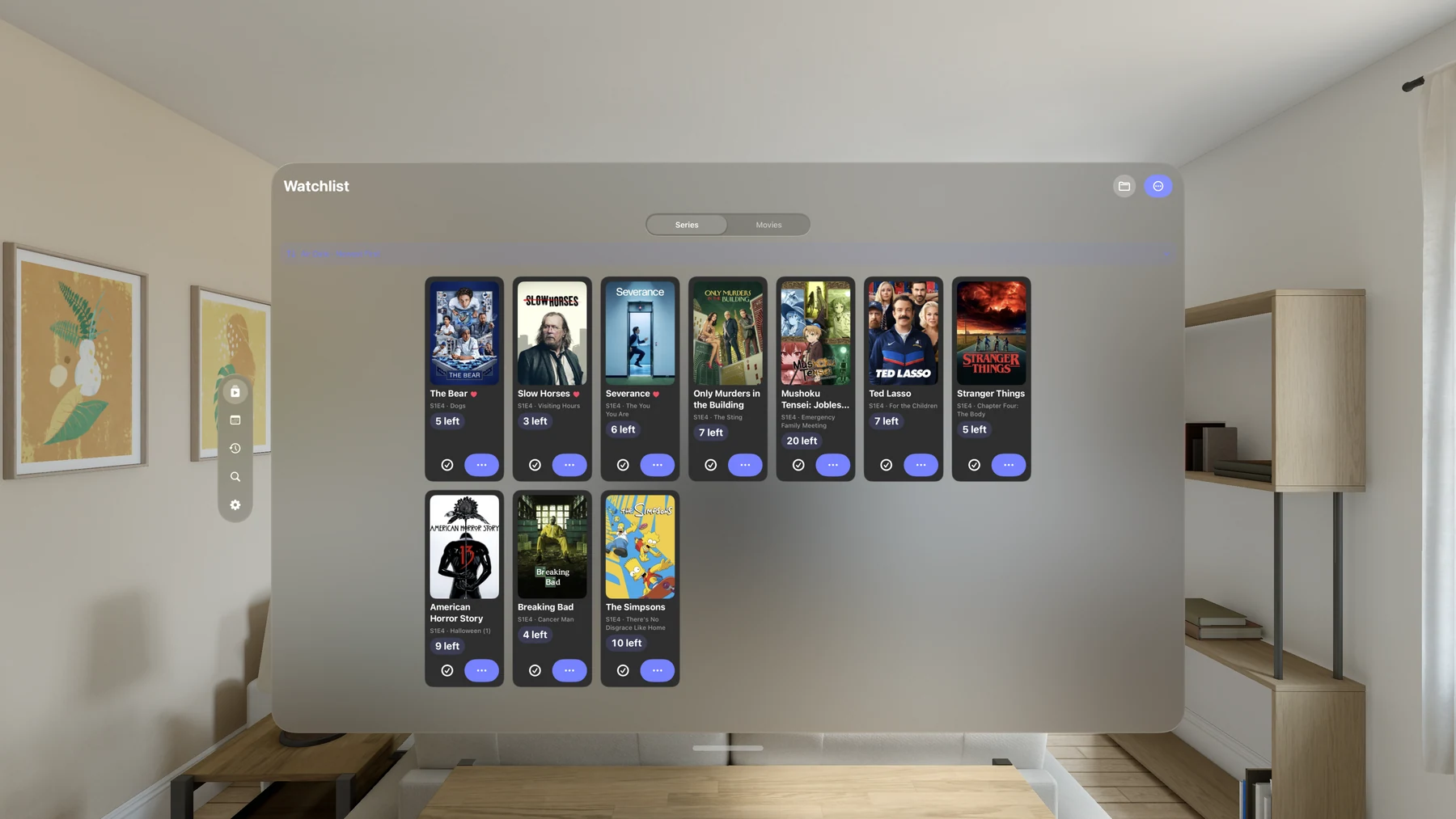
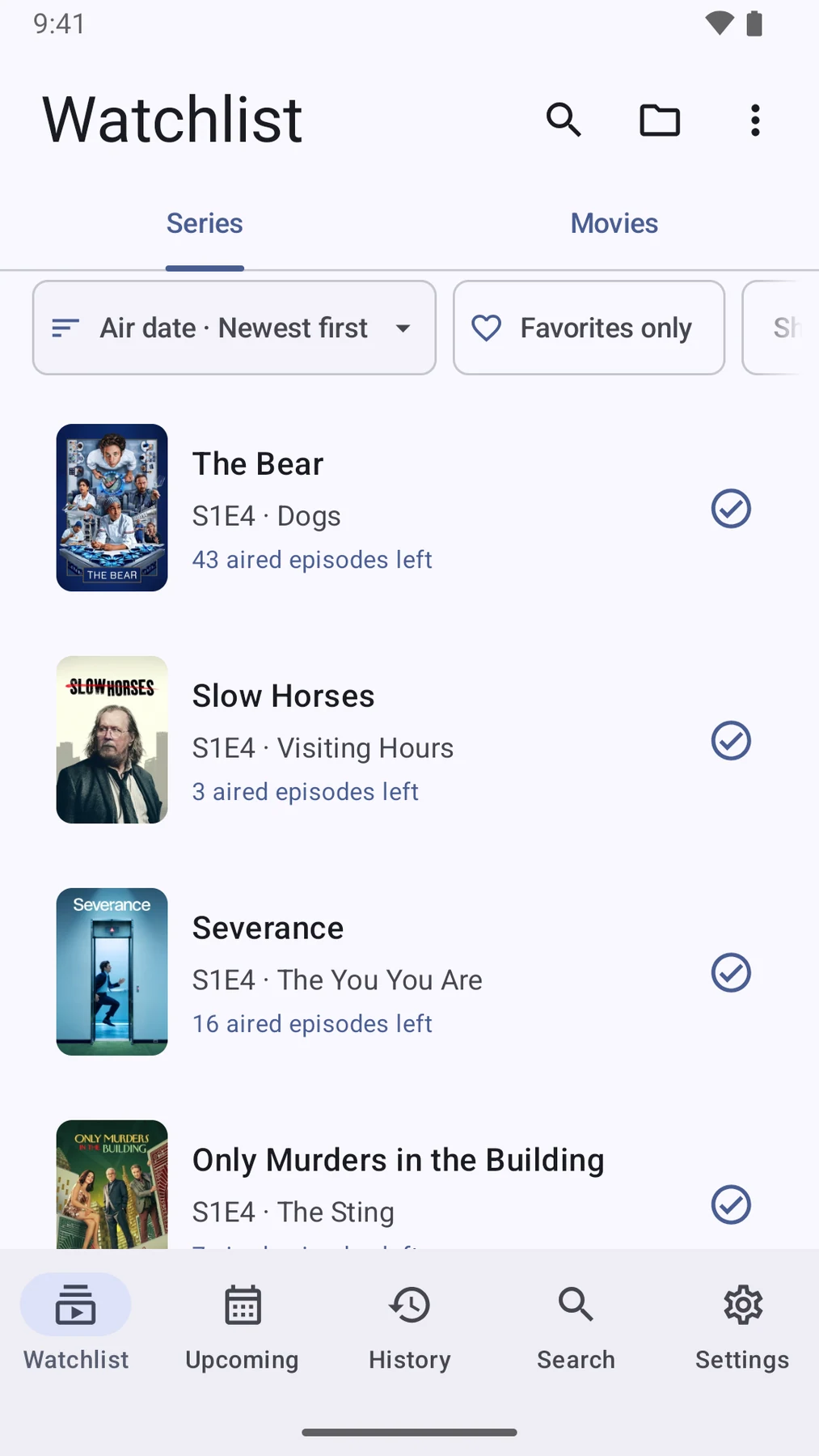
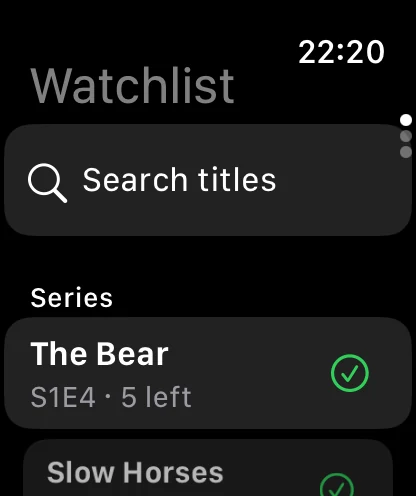
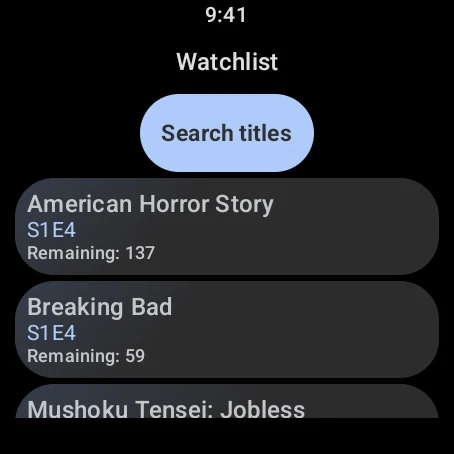
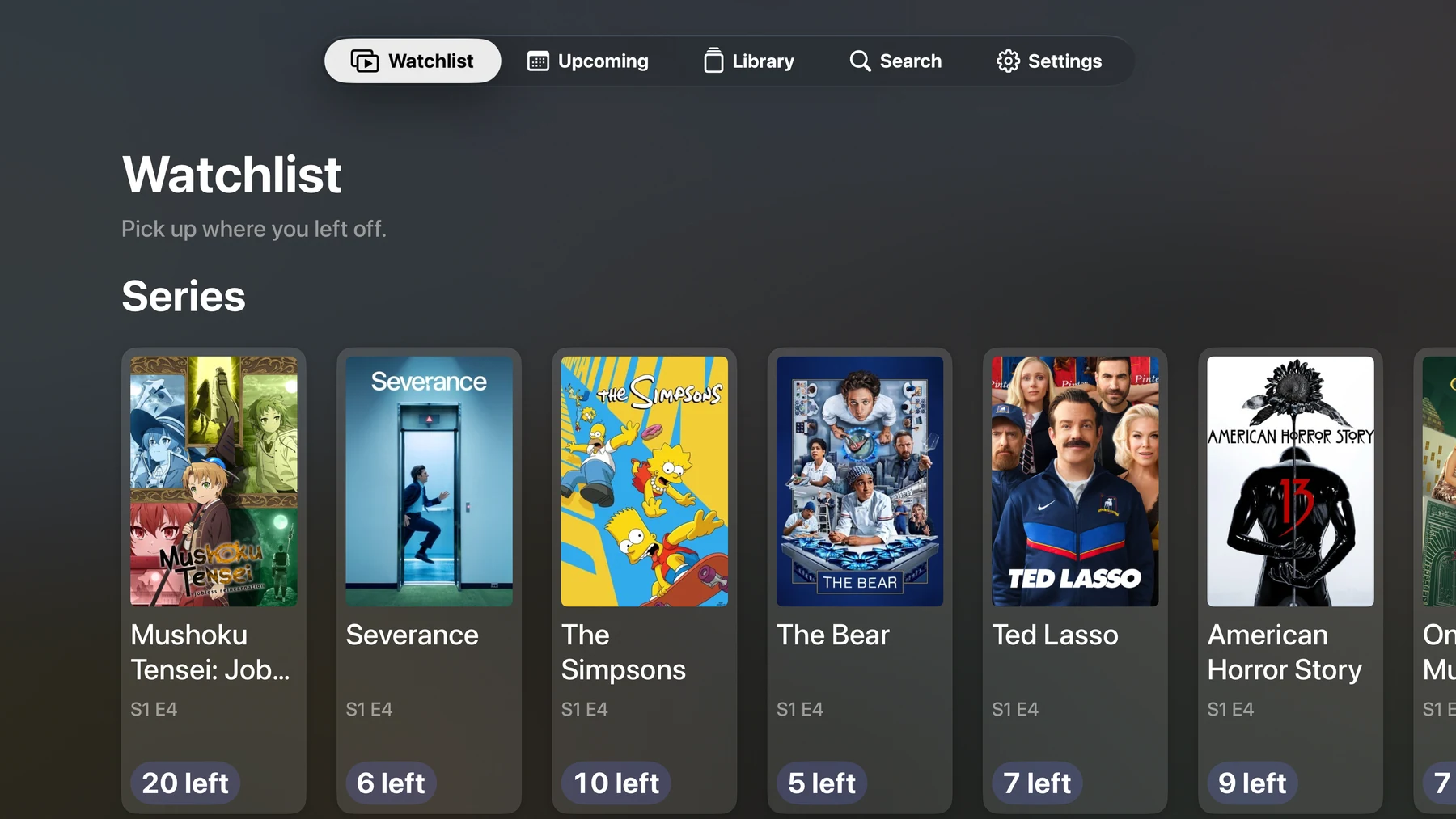
Keep next episodes and released films in view. Mark what you have watched and see what is still waiting in your watchlist.
Browse upcoming dates in your calendar, set local reminders and explore movie, show and cast details, with trailers and IMDb links, when something catches your eye.
Add ratings and notes, save favorites, build custom lists and look back at your viewing through personal statistics.
Import supported TV Time, Simkl, Trakt and Letterboxd exports. Keep a portable Premiera JSON backup, including when you move between Apple and Android.
Native phone, tablet, Mac and Vision Pro layouts give your library room to breathe. Watch companions put next episodes and upcoming dates within a glance.
Preview images can differ from the version in your store.
Premiera upcoming update preview — the iPhone watchlist with inline sorting and next episodes, with a fictional sample library.
iPhone / iPad · Preview imagePremiera upcoming update preview — the Android watchlist with inline filters and next episodes, with a fictional sample library.
Android · Preview imagePremiera upcoming update preview — the native Mac watchlist with inline sorting and next episodes, with a fictional sample library.
Mac · Preview imageHave another question?
Get in touch.
Available for iPhone, iPad, Mac, Apple Vision Pro, Apple TV and Android, with Apple Watch and Wear OS apps. Availability can vary by country; check the linked store for your device.
Download for iPhone & iPad · Download for Mac · Download for Apple Vision Pro · View the Apple TV listing · Get it on Google Play
An upcoming update adds episode-name search inside a series, so you can find a matching episode across its seasons. The search control appears in versions that include this update.
Premiera tracks what you watch; it does not stream video. Provider information helps you explore availability, which depends on your region and each streaming service.
You do not create a Premiera account. Apple devices can use your existing iCloud account for private library sync. Trakt account linking and synchronization are disabled; you can import a Trakt data export file instead.
There is no automatic Apple-to-Android sync. Apple devices can sync through private iCloud storage; Android keeps a local library and exchanges updates with a paired Wear OS watch. JSON backups let you move your library between platforms.
See next episodes, released movies and upcoming dates, and mark items watched. On Apple Watch, search for and add movies and TV shows directly; library sync uses the same iCloud account across your Apple devices. Searching needs an internet connection. Wear OS requires the paired Android phone app to create and update its library. Install the Apple Watch edition from the App Store on your watch or the Watch app on your iPhone. Install the Wear OS edition from Google Play on your watch using the same listing as the Android app.
Yes. Premiera is available from the App Store on Apple TV running tvOS 17 or later. Your library can sync with your other Apple devices through iCloud. Like the other editions, it tracks movies and shows rather than streaming video.
Other apps you might enjoy.
Keep subscriptions, trial endings and recurring bills in view. See what is coming, what it adds up to and what still earns its place.
iPhone & iPad, Android phones & tablets, Apple Watch, Wear OS, Mac, Apple Vision Pro
A personal travel map and journal. Mark the places you have been, save the details, and watch your world fill with color.
iPhone & iPad, Apple Vision Pro, Android phones & tablets, Mac
A native Markdown editor for notes, plans and documentation. Write in the source, read or edit in Preview, and keep your words in ordinary files.
Mac, iPhone & iPad, Apple Vision Pro, Android phones & tablets